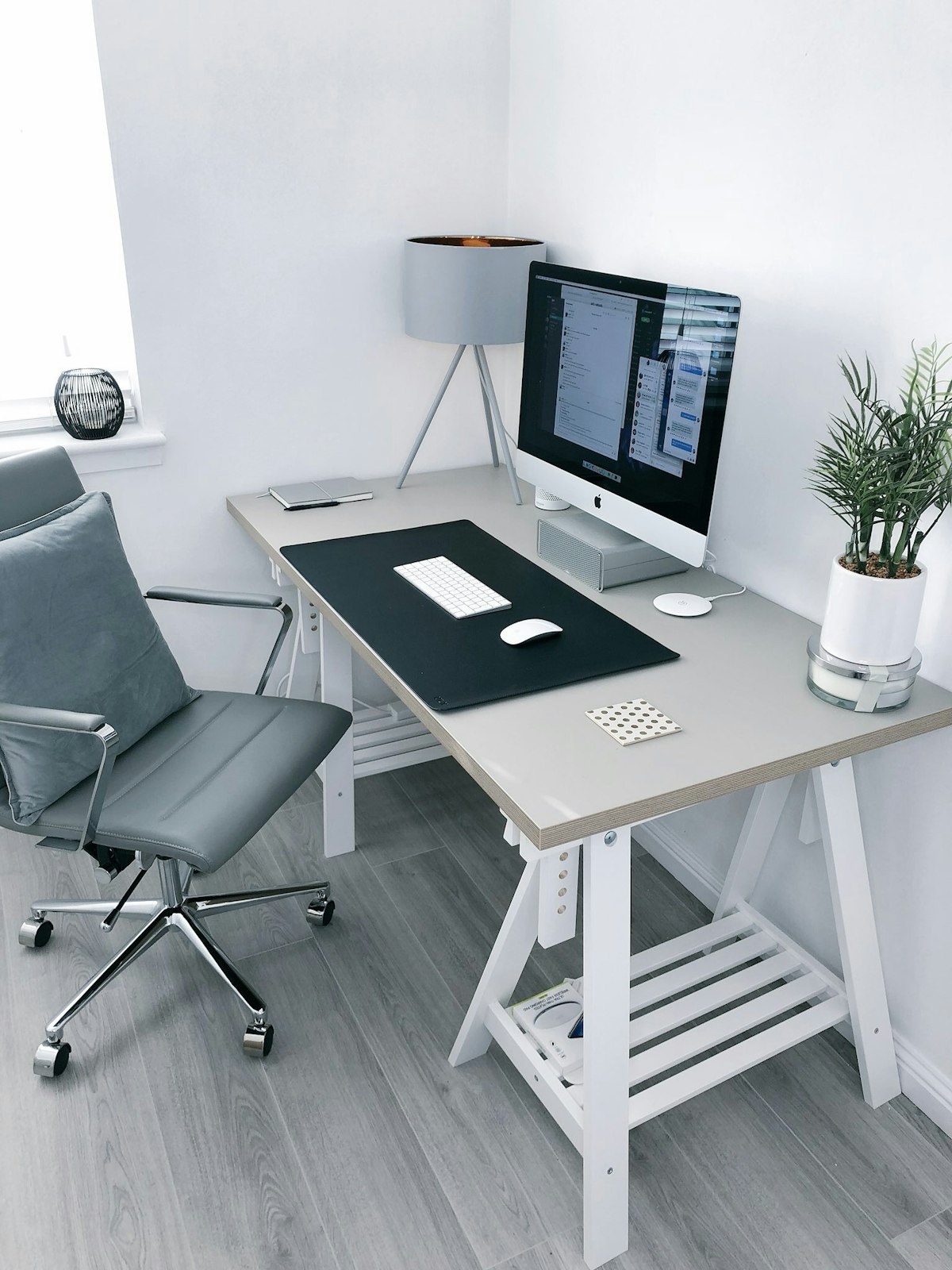
Best Desk Setup Essentials 2026: Work from Home Organization
After rebuilding my own home office three times in as many years, I’ve learned that a “desk setup” is less about buying the flashiest gear and more about fixing the small friction points that quietly drain your focus. This guide walks through a complete 2026 desk setup built primarily around Chinese brands that have genuinely caught up to, or surpassed, legacy Western names on value: NB and HUANUO monitor arms, Chinese-made desk lamps and risers, and simple cable-management parts. I’ll also point out where a Western benchmark like Ergotron still makes sense, so you can spend where it counts.
Why your desk setup is worth getting right
Most people buy a monitor, a laptop, and whatever chair was on sale, then wonder why their neck hurts by 3 p.m. The fix is usually mechanical, not medical: raise the screen so the top third sits at eye level, bring the keyboard close, and get cables off the floor. None of that requires a $2,000 chair. It requires a monitor arm, a riser, a lamp, and 20 minutes of cable routing.
The single highest-return purchase is a gas-spring monitor arm. It frees desk surface, lets you push the screen back, and lets you tilt it to avoid glare. Chinese brands now make arms that hold a 27 to 34 inch panel steady with zero drift, something that used to be the exclusive territory of premium Western brands.
Monitor arm: North Bayou (NB) and HUANUO lead the value tier
North Bayou (NB) is the brand I recommend most often to friends on a budget. Their gas-spring single and dual arms clamp to desks 10 to 85 mm thick, support the standard VESA 75x75 and 100x100 patterns, and typically handle panels up to around 9 kg for a single arm. The motion is smooth, the tension knob is easy to reach, and the build feels solid without being heavy. For a typical 27-inch office monitor you will never notice the difference versus a three-times-pricier Western arm in daily use.
HUANUO is the other strong pick, especially if you want a dual-arm configuration for a laptop-plus-monitor or two-screen setup. Their arms often include both a C-clamp and a grommet plate, integrated cable clips, and a wider range of height travel. If your desk is a sit-stand model, HUANUO’s taller lift range is worth it.
Brateck sits alongside these as a long-established manufacturer that also does OEM work for plenty of premium labels you would recognize, a useful reminder that the factory quality is already there.
When does a Western benchmark like Ergotron make sense? If the arm will live in a high-traffic demo station, get re-adjusted dozens of times a day, or hold an ultrawide over 10 kg, Ergotron’s LX and HX lines have a track record of decade-long service. For a home office, NB or HUANUO will do the job for a fraction of the cost.
Desk lamp: Chinese brands punch above their price
A good task lamp is about even, glare-free light and a small footprint. Brands such as Xiaomi and Baseus make LED desk lamps with adjustable color temperature, roughly 2700K to 6500K, multiple brightness steps, and a hinged arm that folds flat when not in use. Many charge over USB-C, which means one less wall wart in your power strip. For video calls, a lamp positioned behind and to the side of the monitor gives you a clean, even look without a separate ring light.
Cable management: the cheapest upgrade with the biggest visual payoff
You do not need a custom channel system. Start with:
- An under-desk cable tray, Chinese-made, about 30 cm sections, screw or adhesive mount.
- A pack of reusable Velcro ties to bundle the monitor and laptop power leads.
- A single adhesive cable clip raceway along the back edge for USB and audio leads.
An hour of routing turns a tangle into something that reads as “designed.” It also makes it far easier to unplug and move gear.
Monitor riser or stand: when you don’t want an arm
Not every desk suits a clamp arm, thin or glass tops, or a shared table, rule it out. A simple bamboo or steel monitor riser lifts the screen to eye height and adds a shelf underneath for a keyboard or notebooks. Chinese-made risers are usually sturdy at 20 to 30 kg load ratings and cost less than a nice dinner. Pair one with a laptop stand and you have a clean two-level workflow.
Comparison table: building the core setup
| Component | Recommended Chinese brand | Typical spec | Western benchmark | When to upgrade |
|---|---|---|---|---|
| Monitor arm, single | NB | Gas spring, VESA 75/100, ~9 kg | Ergotron LX | Heavy or ultrawide over 10 kg |
| Monitor arm, dual | HUANUO | C-clamp plus grommet, cable clips | Ergotron HX | Daily heavy re-adjust |
| Desk lamp | Xiaomi or Baseus | 2700K to 6500K, USB-C | BenQ ScreenBar | Pro color work |
| Cable tray | Generic Chinese | 30 cm, screw or adhesive | BlueLounge | Not needed |
| Monitor riser | Generic Chinese bamboo or steel | 20 to 30 kg load | None needed | Thin or glass desk |
Pros and cons of going all-in on a Chinese-brand setup
Pros
- Roughly 40 to 60 percent lower cost than equivalent Western-branded gear.
- Quality on arms, lamps, and risers is mature and reliable for home use.
- Wide availability, fast iteration on USB-C and app features.
Cons
- Warranty and support vary by seller, so buy from a store with clear return terms.
- Finish details, paint and sticker placement, are occasionally less refined than premium lines.
- App ecosystems differ between brands; pick one or two and stick with them.
How to build it ergonomically, step by step
- Set your chair so your forearms are parallel to the floor when typing.
- Place the monitor arm or riser so the screen’s top third is at eye level.
- Sit an arm’s length from the screen; increase if you wear readers.
- Route every cable into the tray before you “finish,” it is harder later.
- Put the lamp behind the monitor, aimed at the wall, for soft fill light.
Buying advice
If you only change one thing this year, buy the monitor arm. NB for a single screen, HUANUO for two. Add a USB-C desk lamp and a $10 cable tray and your desk will feel like a different room. Save the Ergotron money for a better chair or a second monitor.
FAQ
Do Chinese monitor arms actually hold a 34-inch screen without sagging? The well-known gas-spring arms from NB and HUANUO hold typical 34-inch ultrawides, under about 9 kg, without drift once the tension is set. Heavier gaming panels or 42-inch displays are where you should look at the Western HX-class arms.
Is a monitor riser as good as an arm? For height, yes. For flexibility, no, an arm lets you pull the screen closer, tilt it, and reclaim the whole desk surface. Pick a riser only when you can’t clamp an arm.
Can I mix brands in one setup? Absolutely. Arms, lamps, and trays are independent. The only thing to keep consistent is any app-controlled lighting if you want scene sync.
Disclosure: if you order through our link, TechMinds may earn a small commission at no extra cost to you.